12.2F11
Enforce the recording of payment receipts for e-invoices
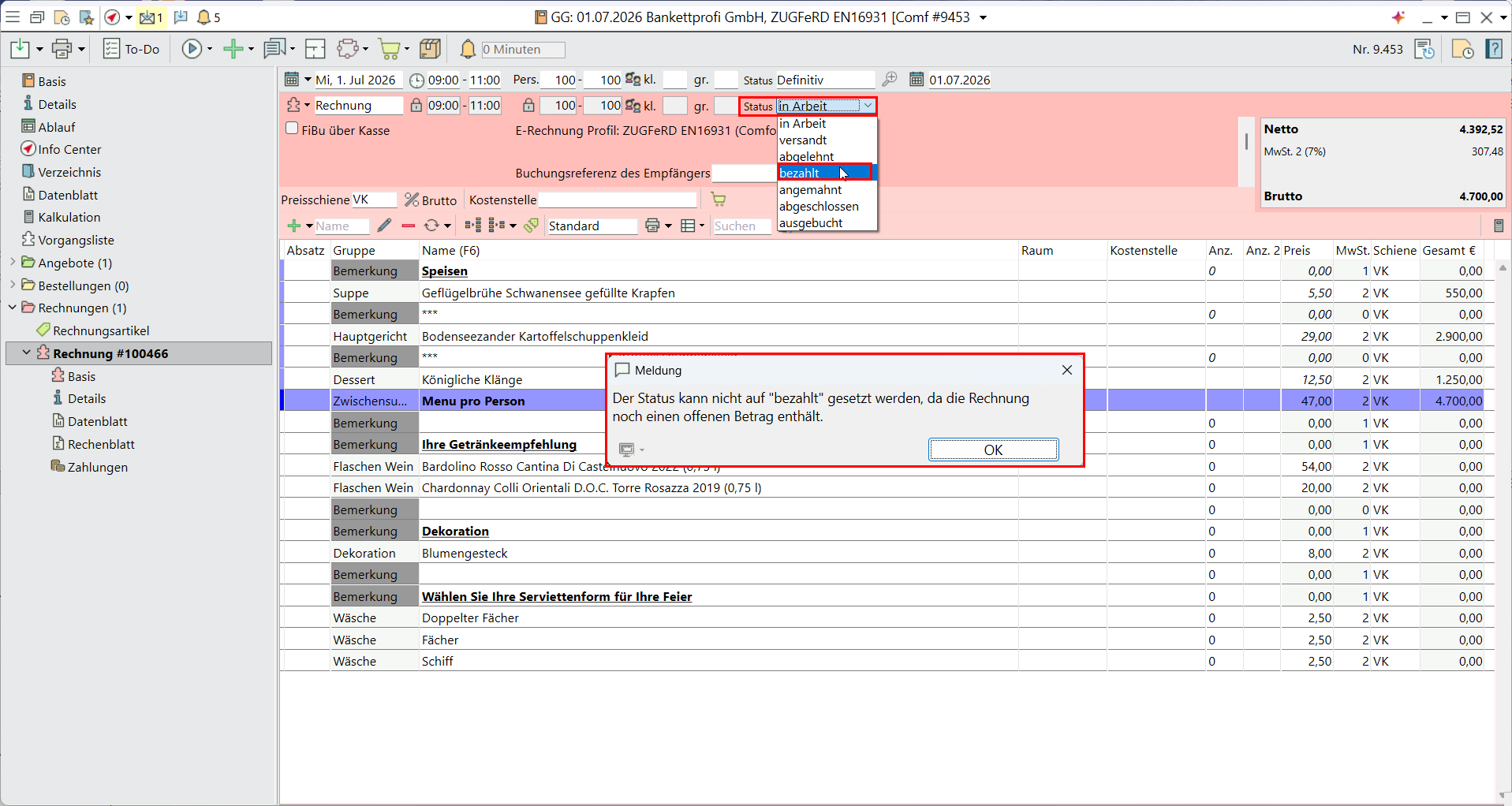
For e-invoices, it is no longer sufficient to manually change the segment status to ‘paid’. Instead, a payment receipt must be recorded.
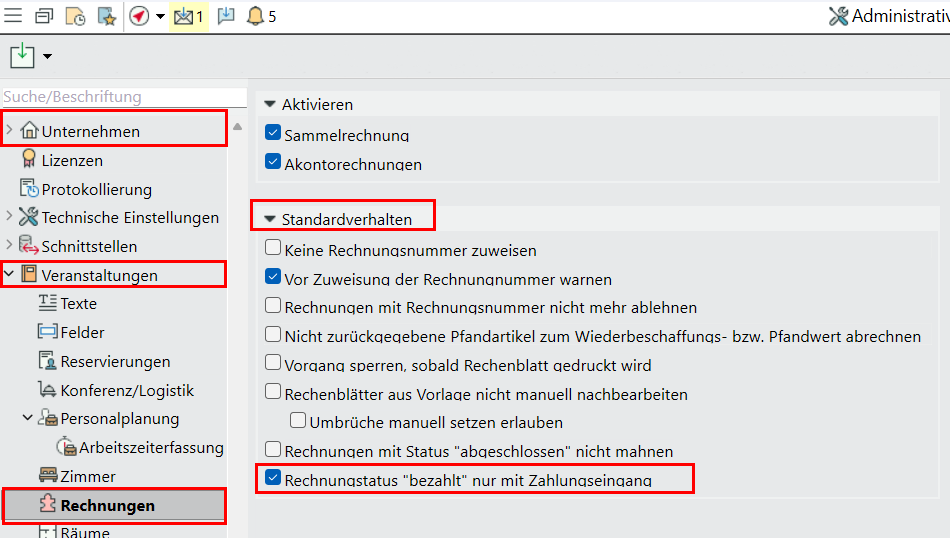
To ensure that your staff enter payment receipts, go to Administrative Settings > Company > Event > Standard behaviour and enable the option “Invoice status ‘paid’ only upon receipt of payment”.
In that case, only change the status of invoices to ‘paid’ if the outstanding amount is zero. Furthermore, invoices are automatically set to ‘paid’ as soon as the outstanding amount is 0.