12.2F26
Record work times without shifts in batches
Record multiple work times using a batch creation function, even without having first created a corresponding shift.
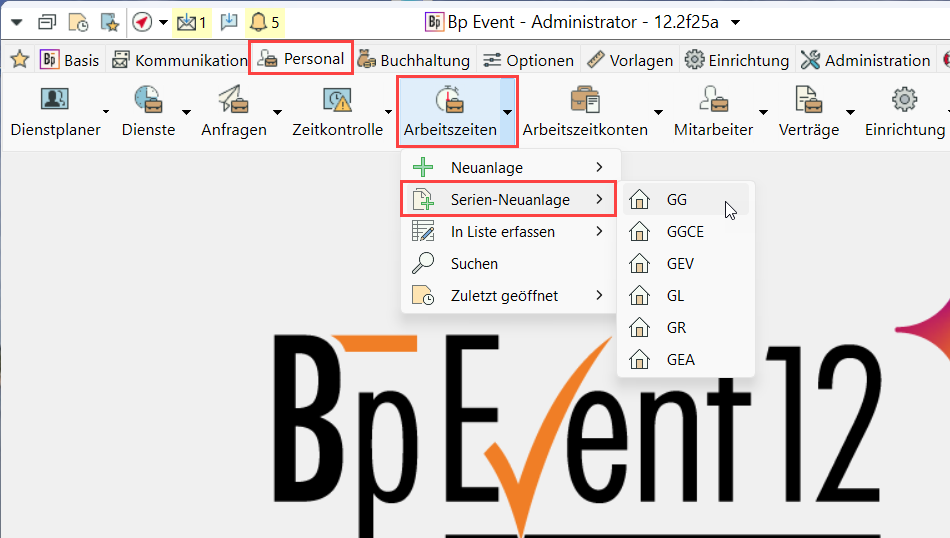
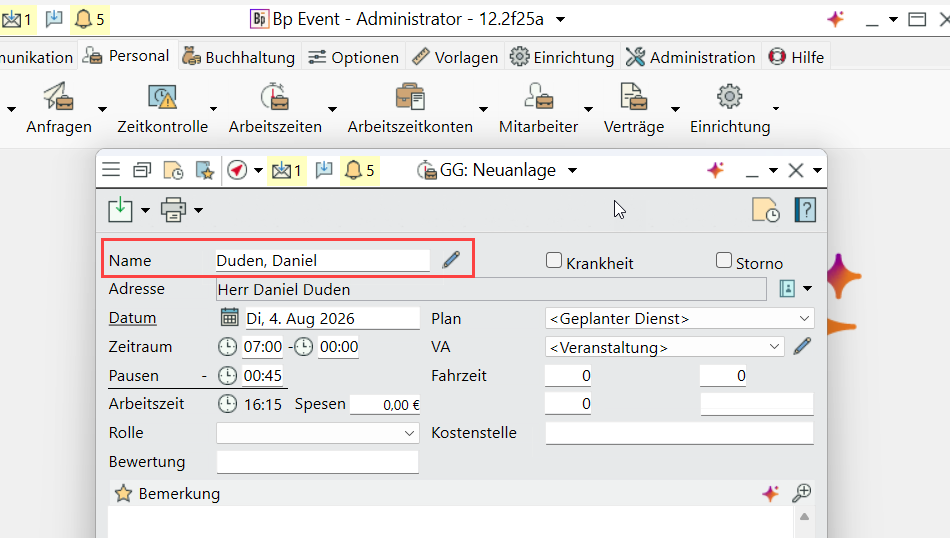
Go to Shifts and Staff > Work Times > Multiple new and select a company if necessary. Enter a name and add the actual work and break times. Click Save to close the input window.
A new window opens automatically, with the previously selected staff member already pre-selected. Enter a new name to go on to a different staff member.