12.1T04
Restrict bookable times, days of the week and dates in the Intranet WebApp
Specify the availability of templates individually to ensure that no events can be booked at weekends or during company holidays, for example. The bookable times can also be limited to business hours.
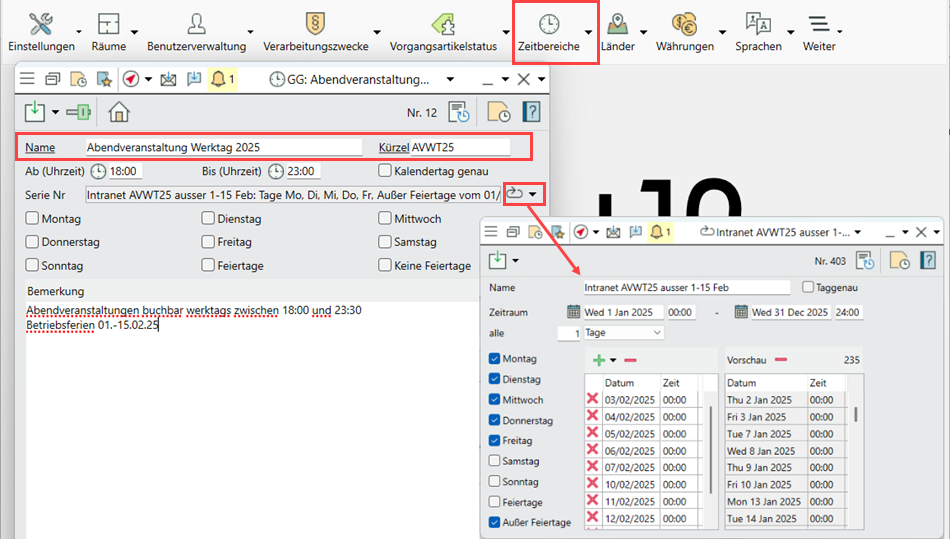
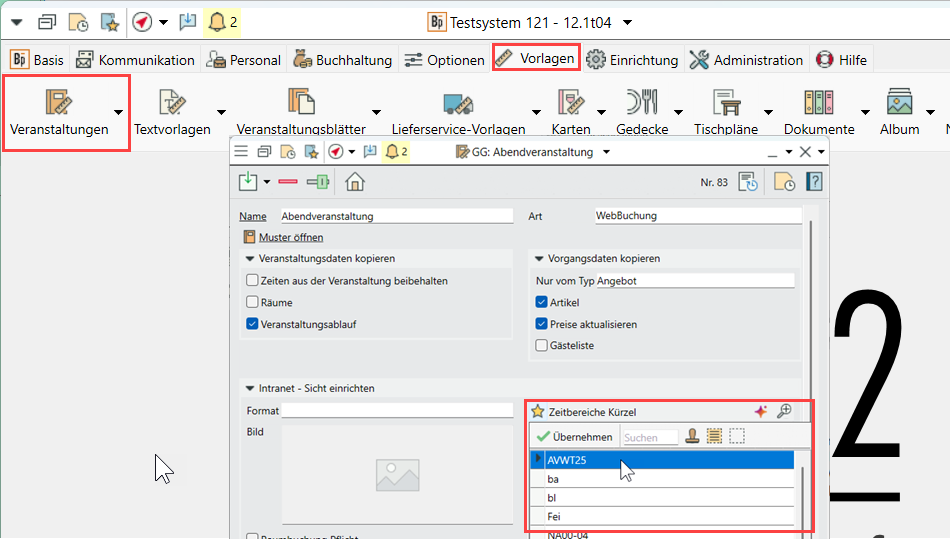
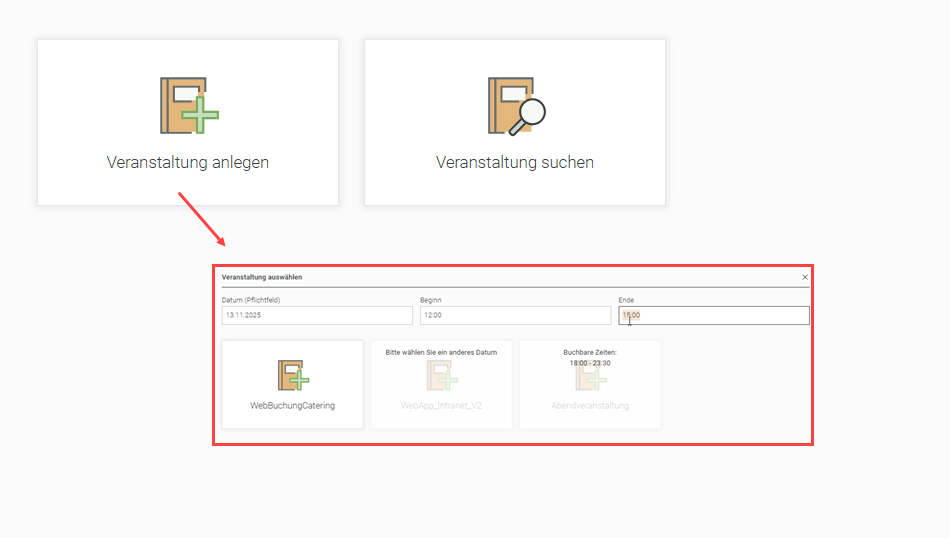
Go to Administration > Time slots > Series and define when a template should and should not be made available. In the WebApp, templates that cannot be booked for the requested date or time are greyed out.
Example: on weekdays or at weekends, only between 09:00 and 22:00, not during the company holidays in February
Important: As soon as a time slot is specified for any one of the available templates, inputting a date before the templates can be selected becomes the standard for the whole WebApp. Templates that cannot be booked for the requested date or time are greyed out.